Kid Maestro Music Studio
played 38 times
played 38 times
 NEW
NEW
 NEW
NEW
 NEW
NEW
 NEW
NEW
 NEW
NEW
 NEW
NEW
 NEW
NEW
 NEW
NEW
 NEW
NEW
 NEW
NEW
 NEW
NEW
 NEW
NEW
 NEW
NEW
 NEW
NEW
 NEW
NEW
 NEW
NEW
 NEW
NEW
 NEW
NEW
 NEW
NEW
 NEW
NEW
 NEW
NEW
 NEW
NEW
 NEW
NEW
 NEW
NEW
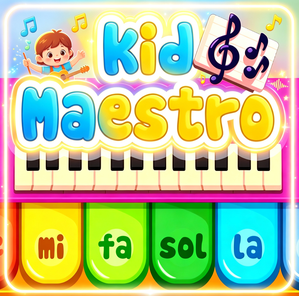
Kid Maestro Music Studio gives children a simple place to explore sound. Instead of treating music like a test, it lets players choose activities, try instruments, build small melodies, and discover how different sounds work together.
The mouse is used to navigate and select options, while the keyboard can help play notes or trigger musical ideas. That mix keeps the game accessible for young players who are still learning how digital music tools respond.
The best way to play is to experiment. A child might start by trying every instrument, then build a short tune from the sounds they like most. Repetition helps, but the game is strongest when players feel free to make odd, funny, or surprising combinations.
Kid Maestro Music Studio fits families and classrooms that want a light introduction to musical concepts. It values curiosity, listening, and confidence more than polished performance.
For music and rhythm games, the value is in knowing what to listen for and how the interactive parts fit together. For Kid Maestro Music Studio, players should test one sound or rhythm layer at a time before building a busier mix. That gives the page a clearer purpose: it explains how to get started, what to pay attention to, and why a replay can feel different from the first attempt.
A useful way to play Kid Maestro Music Studio is to treat the first minute as a sound check. Add, remove, and compare pieces until the track has a clear center.
Yes. Kid Maestro Music Studio is available to play online in your browser without installing an app.
Kid Maestro Music Studio is listed in the Music Games category and can be played from the game detail page.
Use the keyboard, mouse, or touch controls shown inside the game.
Yes. Use the related games section and category links on this page to discover more Music Games games.
Player Comments