Music Cat Piano Tiles 3D Rhythm
played 66 times
played 66 times
 NEW
NEW
 NEW
NEW
 NEW
NEW
 NEW
NEW
 NEW
NEW
 NEW
NEW
 NEW
NEW
 NEW
NEW
 NEW
NEW
 NEW
NEW
 NEW
NEW
 NEW
NEW
 NEW
NEW
 NEW
NEW
 NEW
NEW
 NEW
NEW
 NEW
NEW
 NEW
NEW
 NEW
NEW
 NEW
NEW
 NEW
NEW
 NEW
NEW
 NEW
NEW
 NEW
NEW
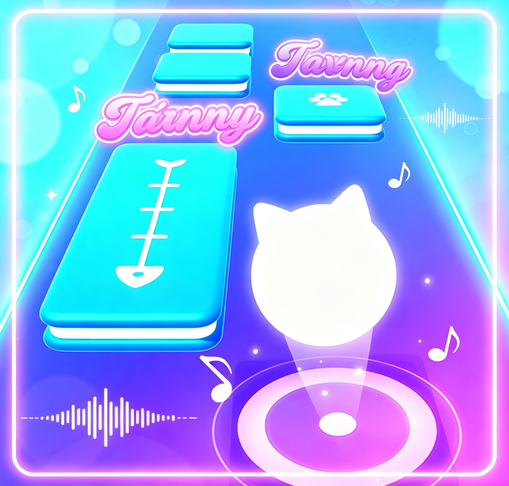
Music Cat Piano Tiles 3D Rhythm keeps the piano-tiles idea familiar while adding a playful 3D style. Tiles arrive in rhythm with catchy songs, and each tap needs to land at the right moment to keep the melody flowing.
The controls can be simple mouse taps or keyboard input, but the real challenge is learning the shape of each track. Faster songs reward players who listen for the beat instead of relying only on their eyes.
Use headphones if you can. The audio makes it easier to feel when the next tile should be hit, especially when several notes appear close together. After a miss, remember the part of the song that caused it and watch for that phrase on the next attempt.
Music Cat Piano Tiles 3D Rhythm works for players who enjoy music games with immediate feedback. It is cute on the surface, but accurate tapping and pattern memory still decide the score.
Puzzle pages work better when they explain the decision pattern, not just the goal. For Music Cat Piano Tiles 3D Rhythm, players should study the board before moving, because one rushed choice can close off better options. That gives the page a clearer purpose: it explains how to get started, what to pay attention to, and why a replay can feel different from the first attempt.
A useful way to play Music Cat Piano Tiles 3D Rhythm is to treat the first minute as a read of the rules. Notice what the game rewards, where mistakes happen, and which action gives you the most control.
Yes. Music Cat Piano Tiles 3D Rhythm is available to play online in your browser without installing an app.
Music Cat Piano Tiles 3D Rhythm is listed in the Music Games category and can be played from the game detail page.
Use the keyboard, mouse, or touch controls shown inside the game.
Yes. Use the related games section and category links on this page to discover more Music Games games.
Player Comments